

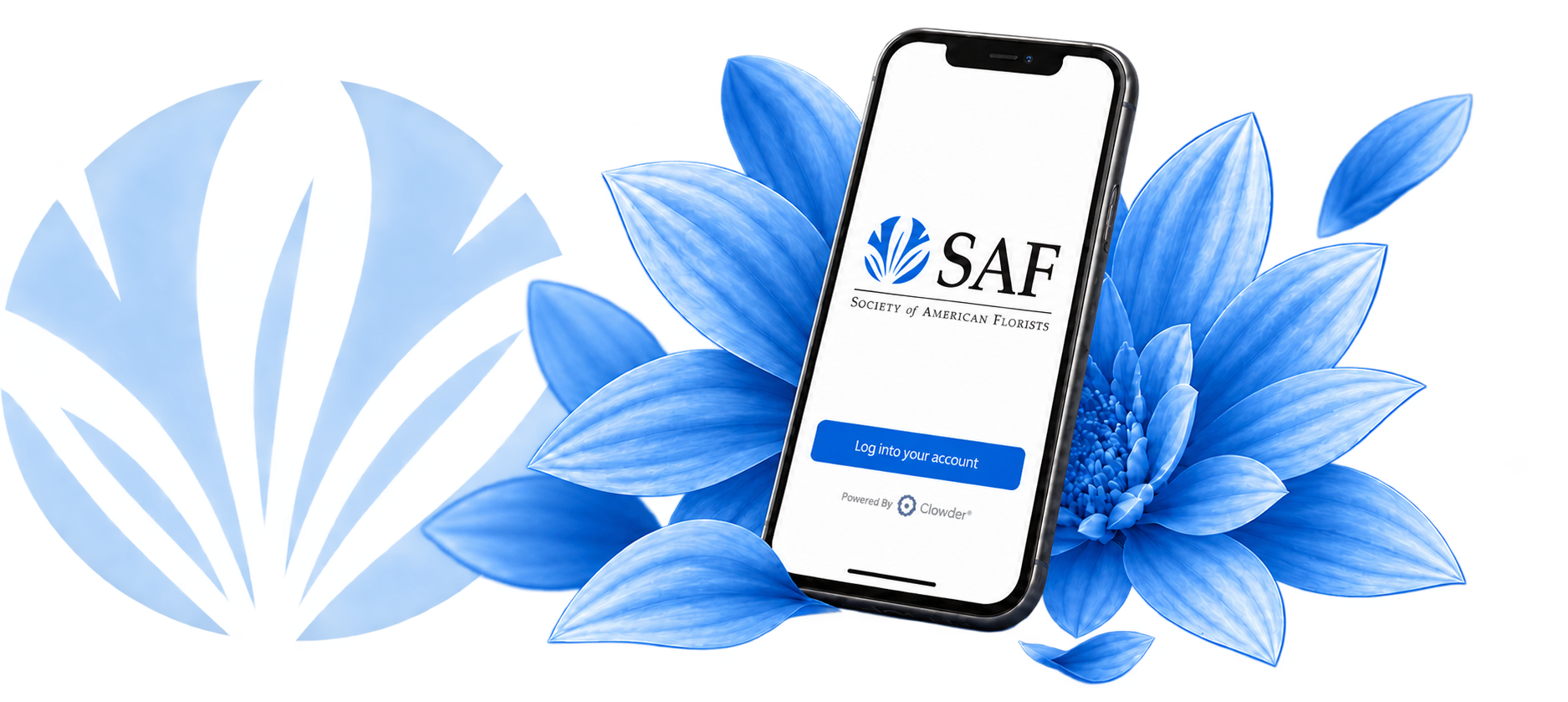
Stay Connected With the SAF Now App
The SAF Now app puts the Society of American Florists’ news, resources, education and industry community at your fingertips — wherever business takes you.
Everything SAF. One Convenient App.
With SAF Now, members can:
Stay current on floral industry news and SAF updates.
Connect with fellow SAF members and join industry conversations.
Access event schedules, speaker information and attendee resources.
Receive timely alerts about industry news and policy changes.
Discover educational tools and ideas to strengthen your business.
Access your membership benefits and resources from your pocket.
Take a quick tour of the app and discover how to make the most of your membership.
Your Floral Industry Hub
Get a closer look at the tools and features designed to keep you connected.
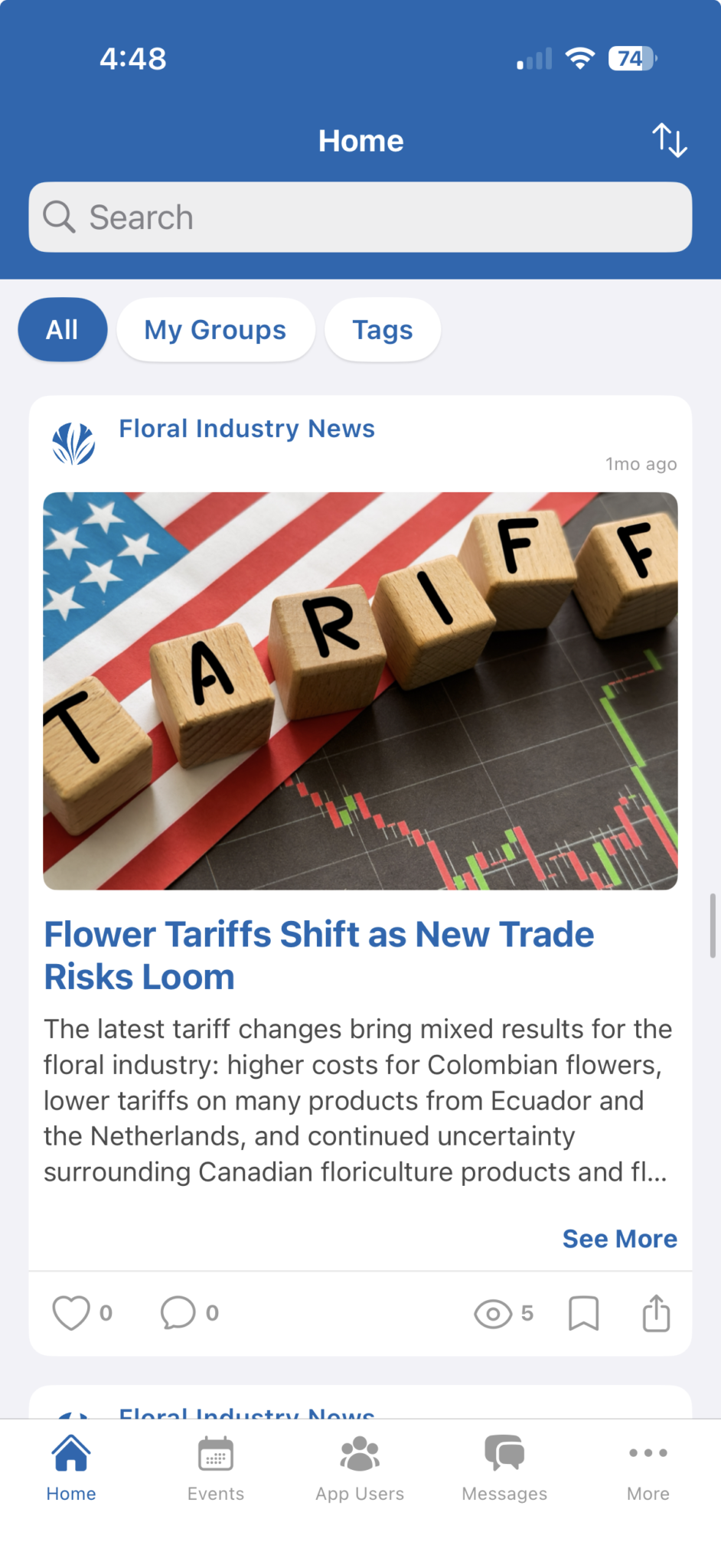
Follow Industry News
Get important floral industry developments in one place.
>
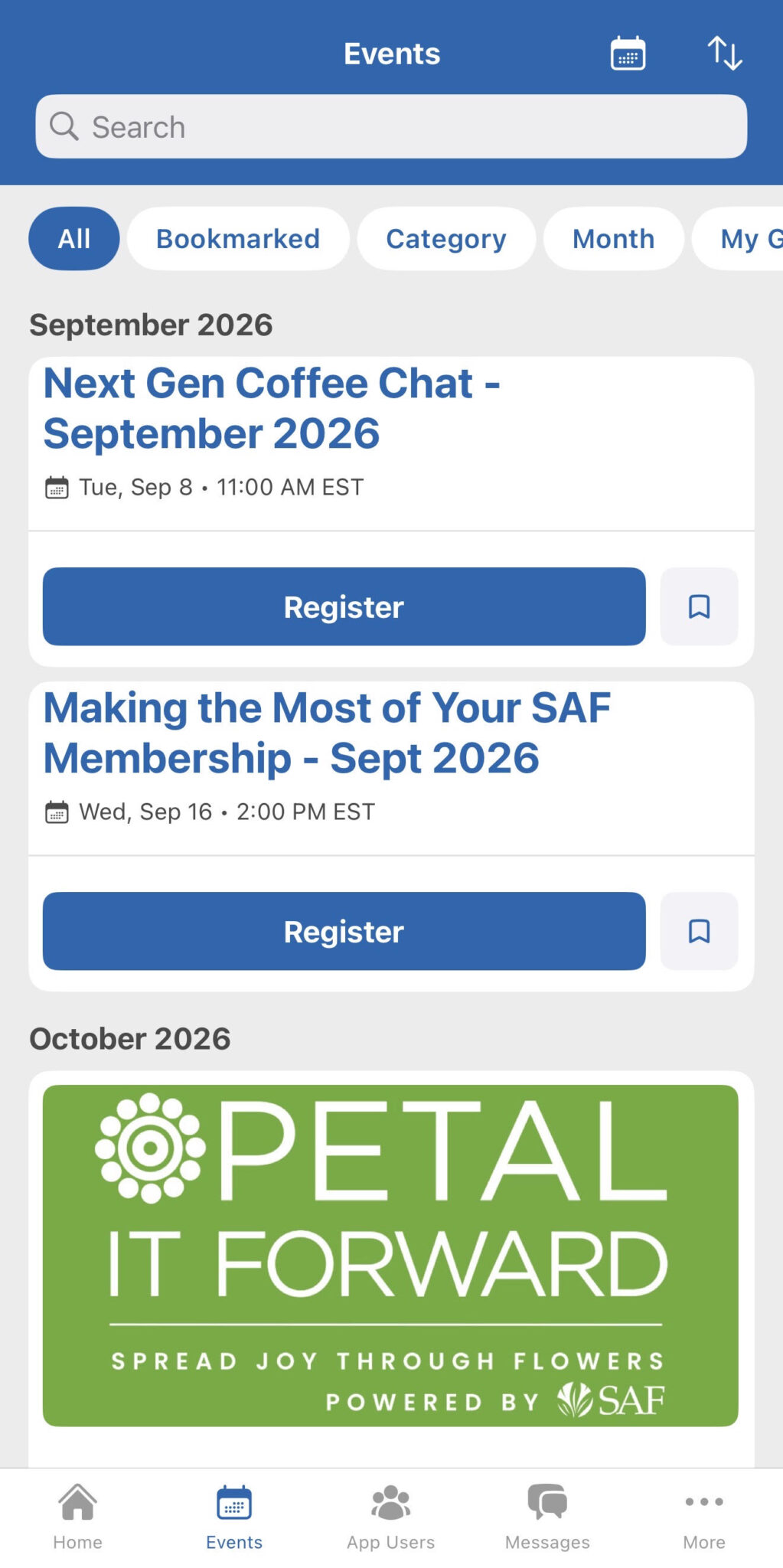
Discover SAF Events
Build your schedule and find event details on the go.
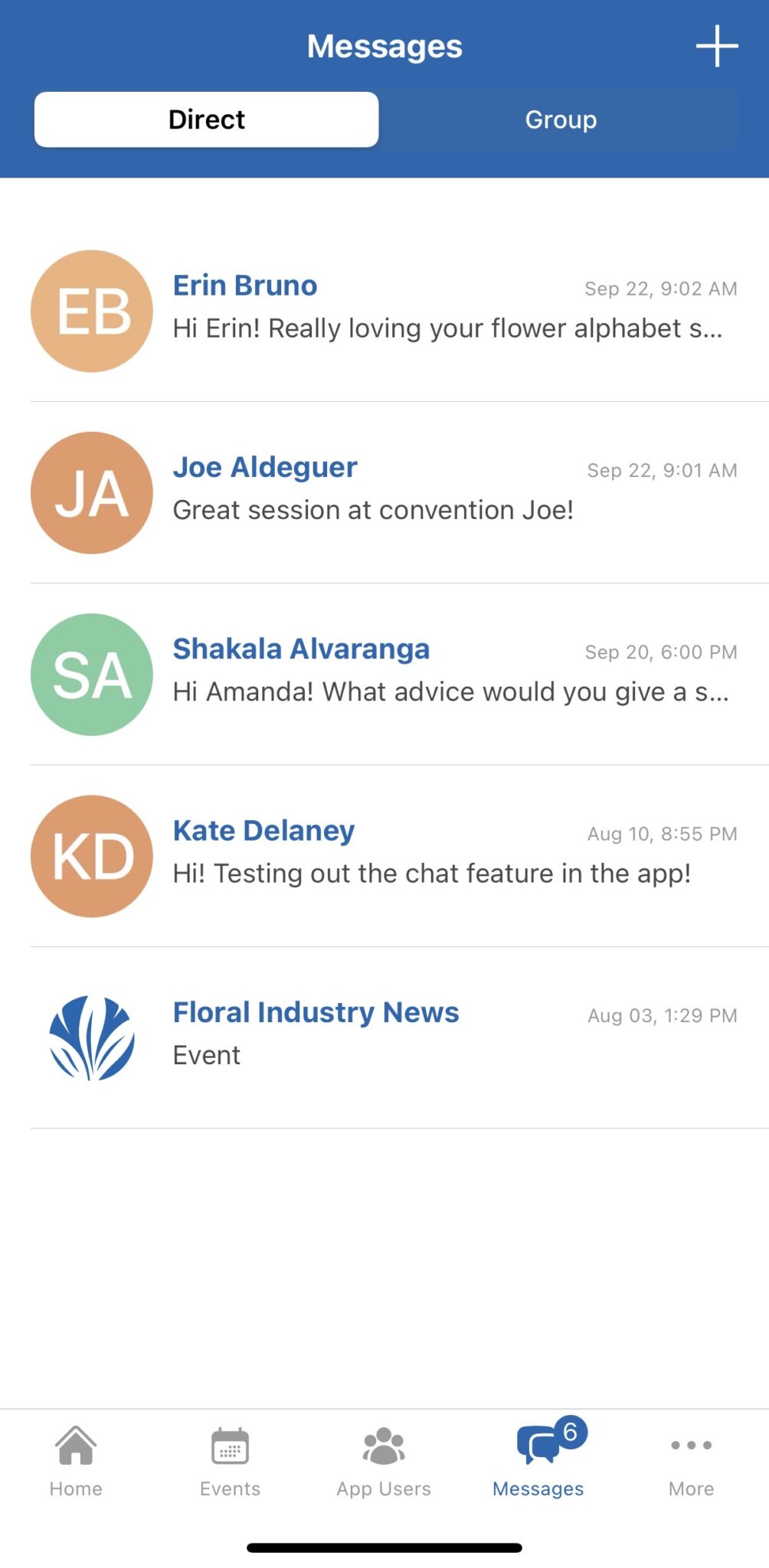
Connect with SAF Members
Start direct or group conversations with fellow floral professionals.
Built For The Floral Industry
SAF Now brings together retailers, growers, wholesalers, suppliers, designers and other floral professionals. Certain features and content may require an active SAF membership or registration for a specific event.
Get Started In Minutes
Help and Frequently Asked Questions
Is SAF Now free to download?
Yes. SAF Now is free to download from the Apple App Store and Google Play. Some content and features are available only to SAF members or registered event attendees.
Do I need to be an SAF member?
SAF Now is designed primarily for SAF members. Access to certain app content, communities and member benefits requires an active SAF membership. Registered attendees may also receive access to information for eligible SAF events.
What email address should I use to sign in?
Use the email address associated with your SAF account or event registration. If you are part of an SAF member company, use the individual email address listed on your SAF profile—not a general company email address unless that is the address connected to your account.
What should I do if I cannot access my account?
First, confirm that you are using the email address associated with your SAF account. If you have forgotten your password, select Forgot Password on the sign-in screen and follow the instructions sent to your email. Be sure to check your spam or junk folder. If you still cannot sign in, contact info@safnow.org for assistance.
How do I control notifications?
You can manage SAF Now notifications through the app’s settings and through your phone’s notification settings. In the app, click on the three dots at the bottom, then My Account. Open your profile and look for Notification to select the updates you want to receive. To turn all SAF Now notifications on or off, open your device’s settings, select Notifications, and choose SAF Now.
Take SAF Wherever You Go
Stay informed, connected and engaged with the floral industry through SAF Now.
